01
Campaigns
Daily account checks, hierarchy views, budgets, saved views, and change history.
AdFlow separates daily operations, investigation, recommendations, experiments, and execution so each stage has a clear job—without dropping the campaign context between them.
Start from demo data or connect one Meta ad account in the local release.
Monitor the account
Investigate the evidence
Review the next action
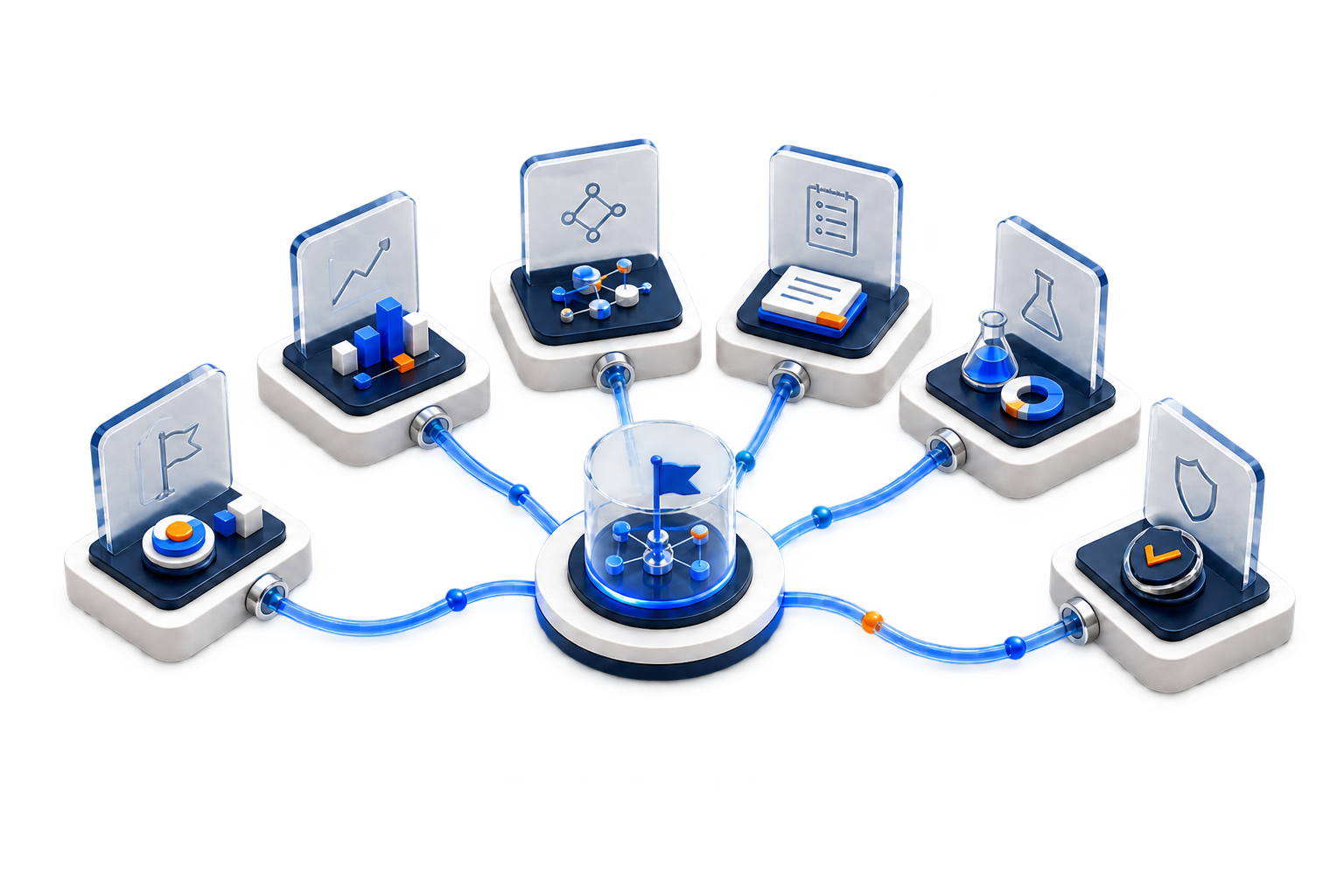
The navigation follows the work from the live account state to a documented result.
Daily account checks, hierarchy views, budgets, saved views, and change history.
KPI summaries, period comparisons, trends, groups, breakdowns, and exports.
Snapshot-based analysis, campaign findings, evidence, and follow-up questions.
Editable proposals with metrics, guardrails, risks, assumptions, and compatibility checks.
Hypotheses, fixed cells, measurement plans, lifecycle states, and conclusions.
Exact diffs, approval, guardrails, retries, rollback plans, and verification.
Move across Campaign, Ad Set, Ad, and Draft views. Save the account checks you repeat, compare performance with targets, and inspect recent changes before editing delivery.
Analytics carries the selected campaigns and reporting period into Campaign Analyst, so the investigation starts with a defined scope instead of a blank prompt.
Campaign scope → Snapshot → Finding → Recommendation → Experiment → Execution Plan
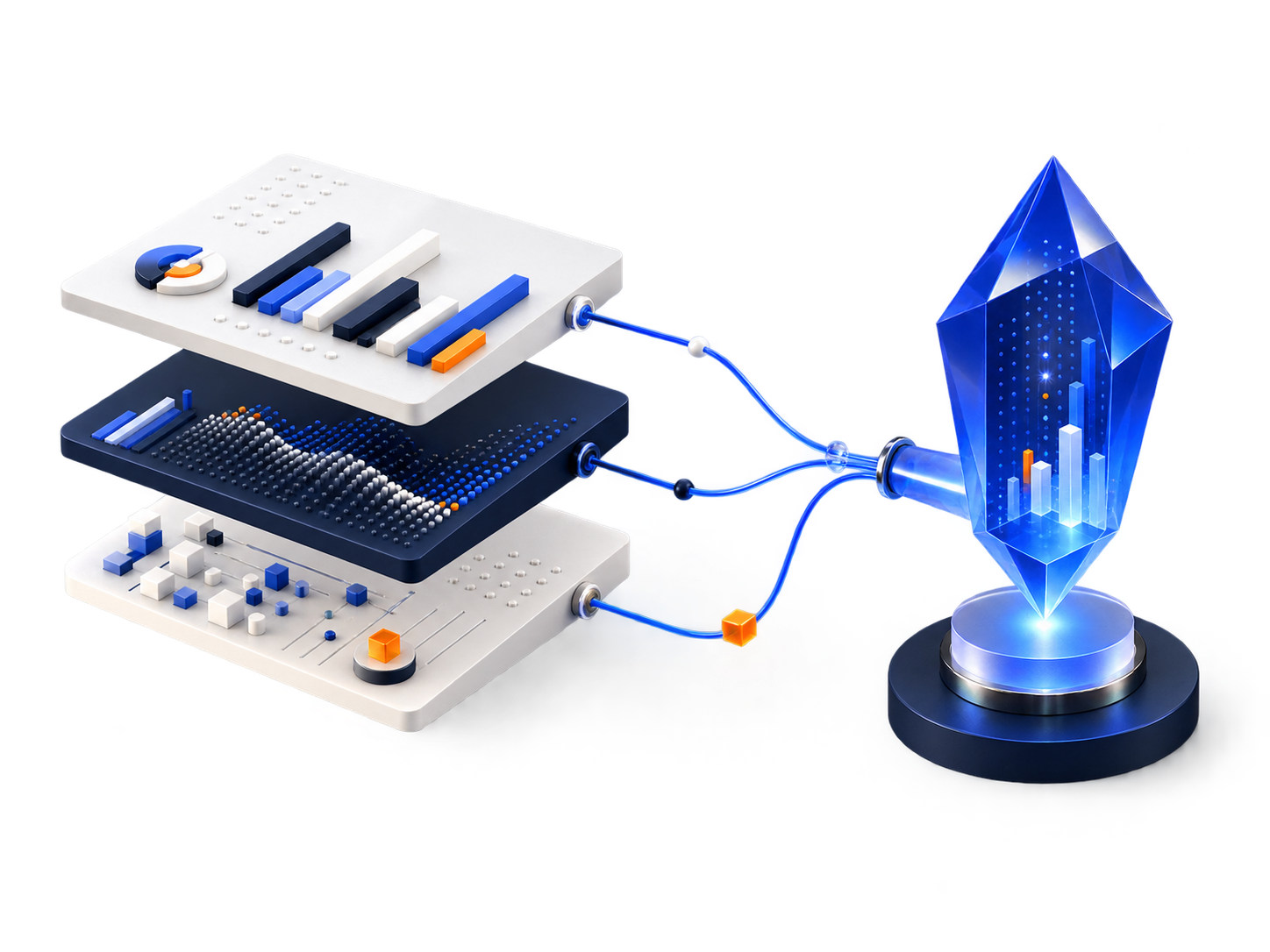
The result keeps the campaign, date range, metric, source snapshot, and limitation together.
View Campaign IntelligenceA recommendation describes the idea. An experiment defines the learning plan. An Execution Plan holds the Meta account change.
Candidate action, evidence, risk, metric, and guardrail.
Hypothesis, cells, measurement gates, runtime, and stop rule.
Current value, proposed value, approval, execution, and verification.